

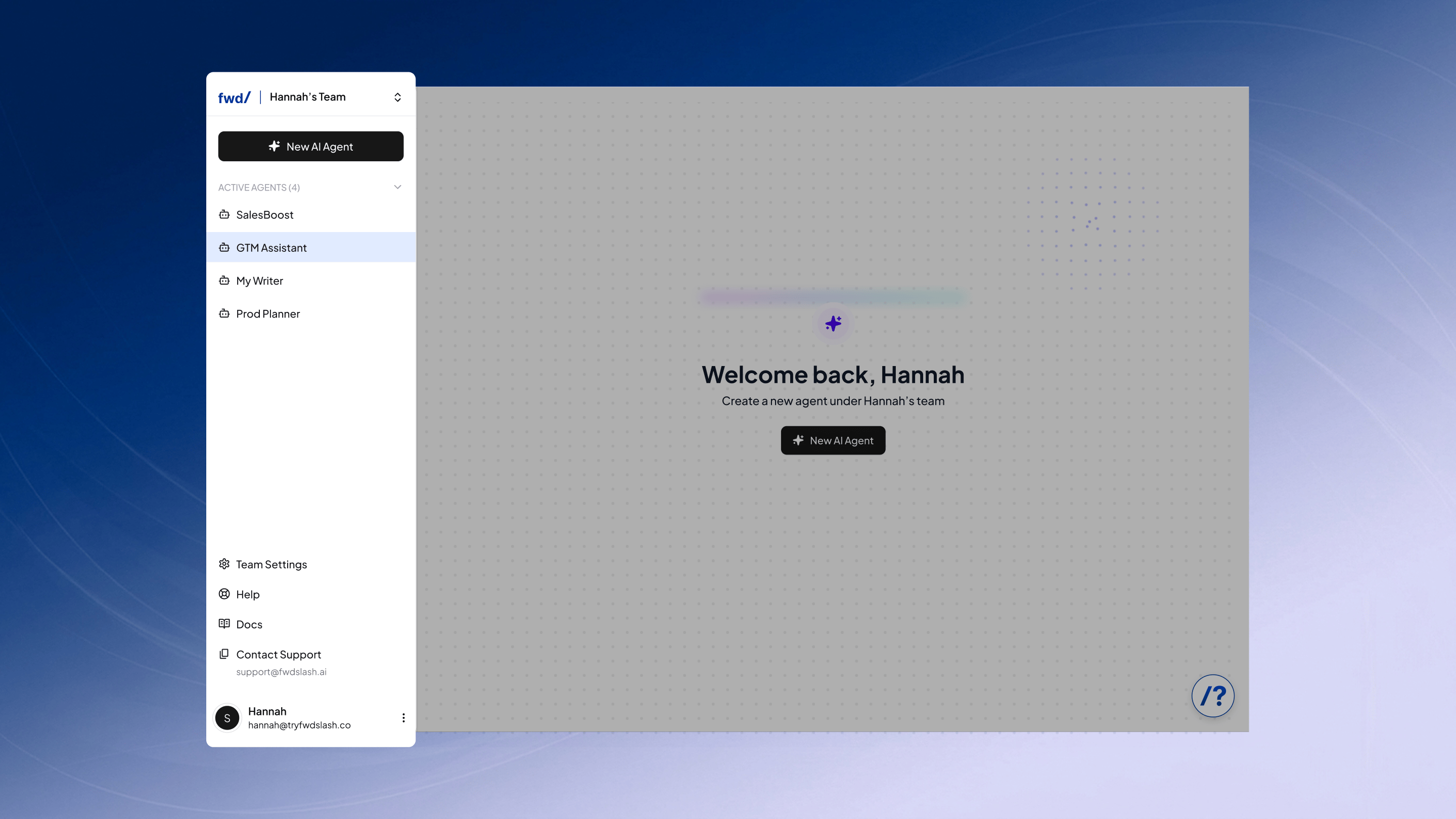
Team Management
Switch between teams or create new ones from the dropdown at the top. Limits remain tied to your account plan.Agents
View all agents within the selected team and create new ones. Plan limits may restrict how many can be active.Support
Access key resources and account-level settings in one place.- Team Settings: Manage subscription, billing, and API access.
- Help: Open a guided, clickable walkthrough of the product.
- Docs: View detailed documentation about FwdSlash.
- Contact Support: Copy the support email to reach out directly.
Account
Manage your account and log out from the profile section.Now, you can go ahead and build a new agent by clicking New AI Agent from the navbar.