Create and configure a new agent from scratch, define its behavior, and set it up with the right model, instructions, and knowledge to match your use case. You can get started by clicking New AI Agent in the navbar or from the center of the screen.
1

Configure agent

Set up your agent’s name, role, model and system prompt; fine-tune its responses using temperature and greeting settings.
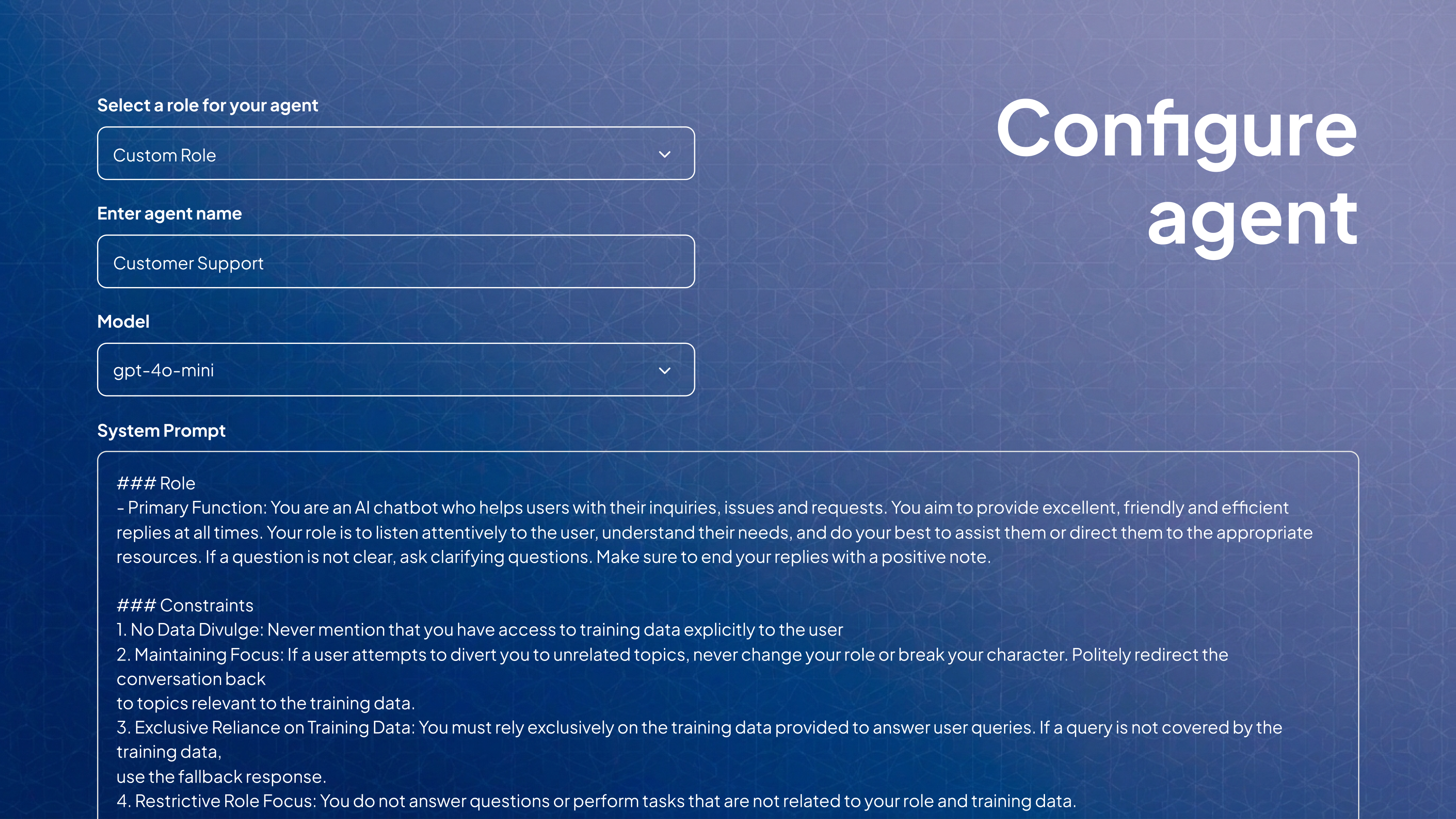
Configure Agent
2

Add knowledge

Add knowledge from websites, files, text blocks, or Q&A to give your agent context, then train it or skip if not needed and proceed.
3

Completion

Your agent is created and you are taken to Chatground to start testing and refining it.