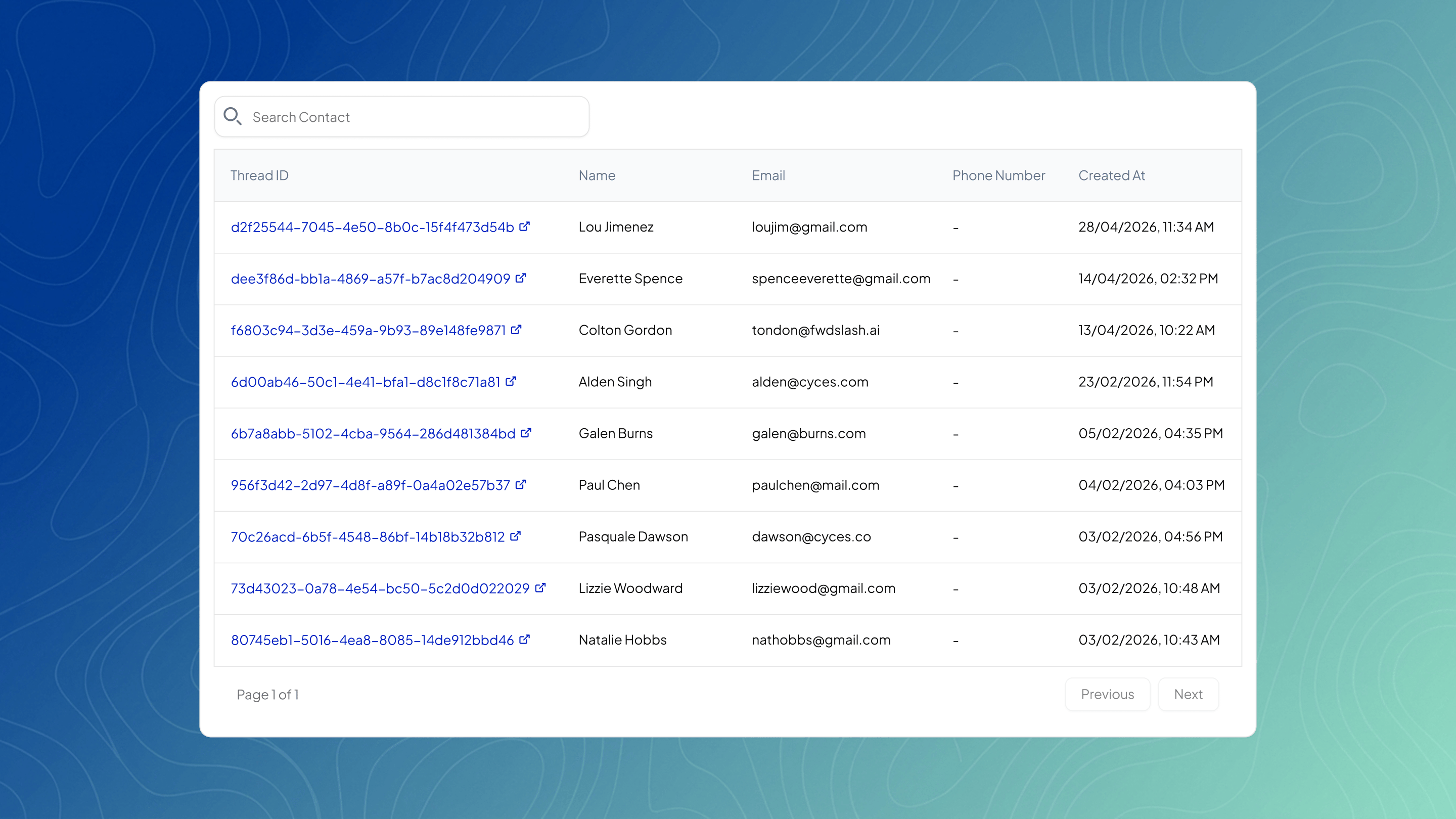
The Leads page shows all user information collected through your agent during conversations, based on your Lead Collection setup.
Leads
All collected leads are displayed in a table with details like name, email, phone number, timestamp, and thread ID. The fields shown depend on what was enabled in Lead Collection. If a field was not collected, it will still appear in the table with a dash. Each lead is linked to a conversation through the thread ID. Clicking it opens the full chat, allowing you to view the context in which the lead was captured.