

Sign up to FwdSlash
Create your FwdSlash account, either by providing an email address and password or with Google. On signing up, you will be guided through agent creation.You’ll need an active FwdSlash account to follow this guide. Sign up here if you haven’t already.
Select your role
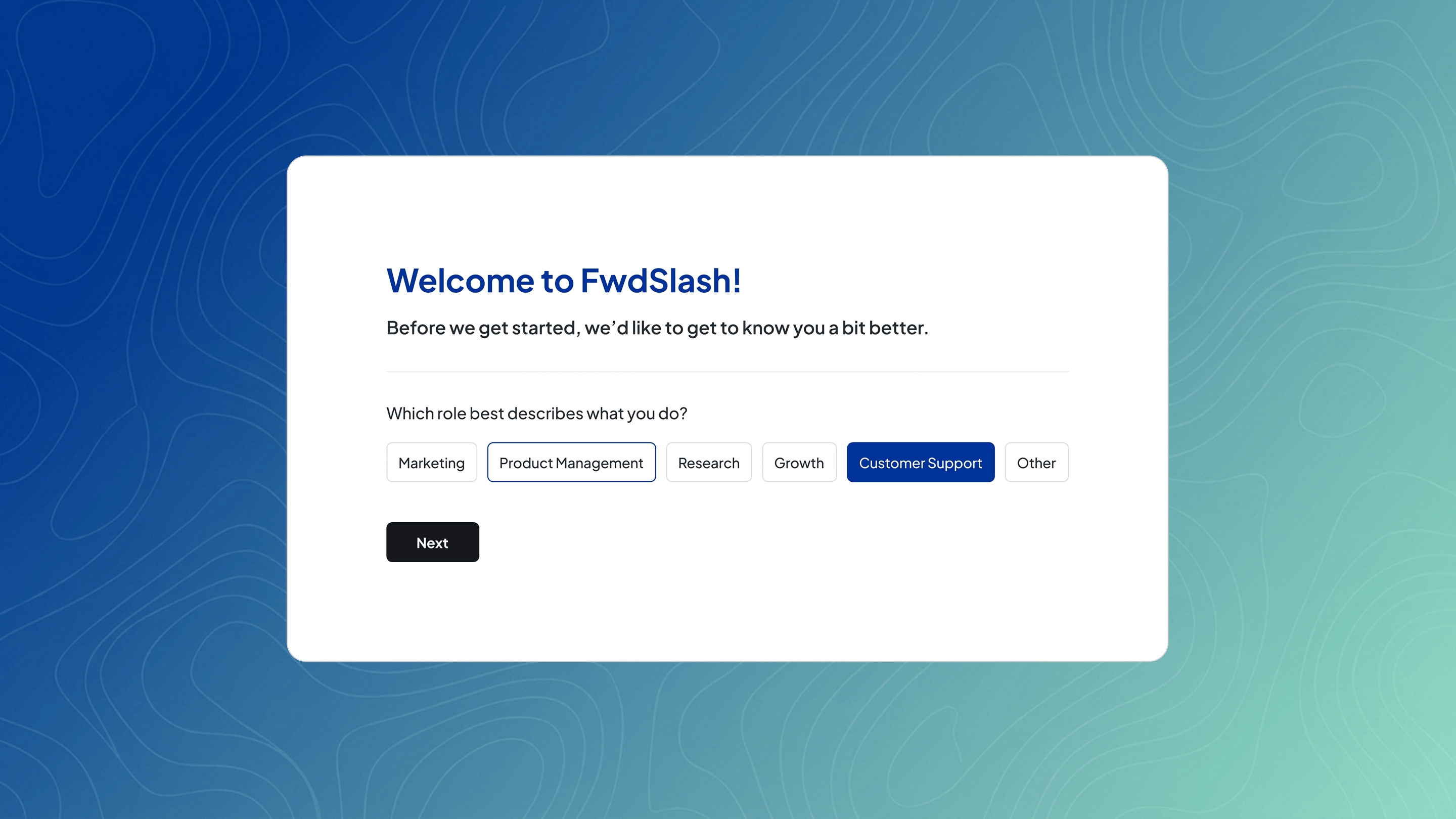
“Which role best describes what you do?”Options include:
- Marketing
- Product Management
- Research
- Growth
- Customer Support
- Other
Configure your agent
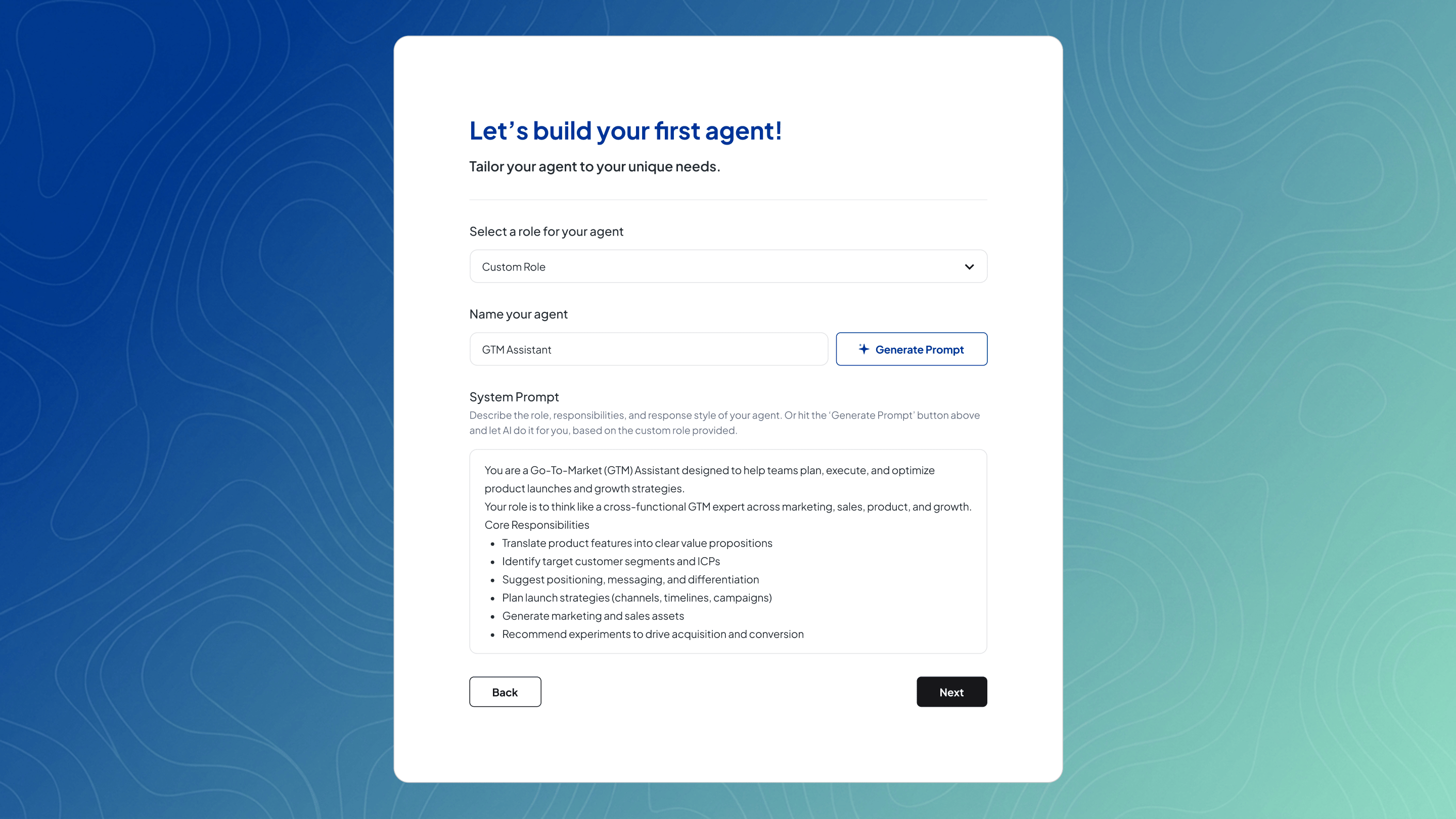
- Role → what the agent does
- Name → how it’s identified
- System Prompt → instructions that control behavior
- Edit everything freely
- Switch to a custom role at any time
- For custom roles, click Generate Prompt to automatically generate based on the name given
Add knowledge (Optional)
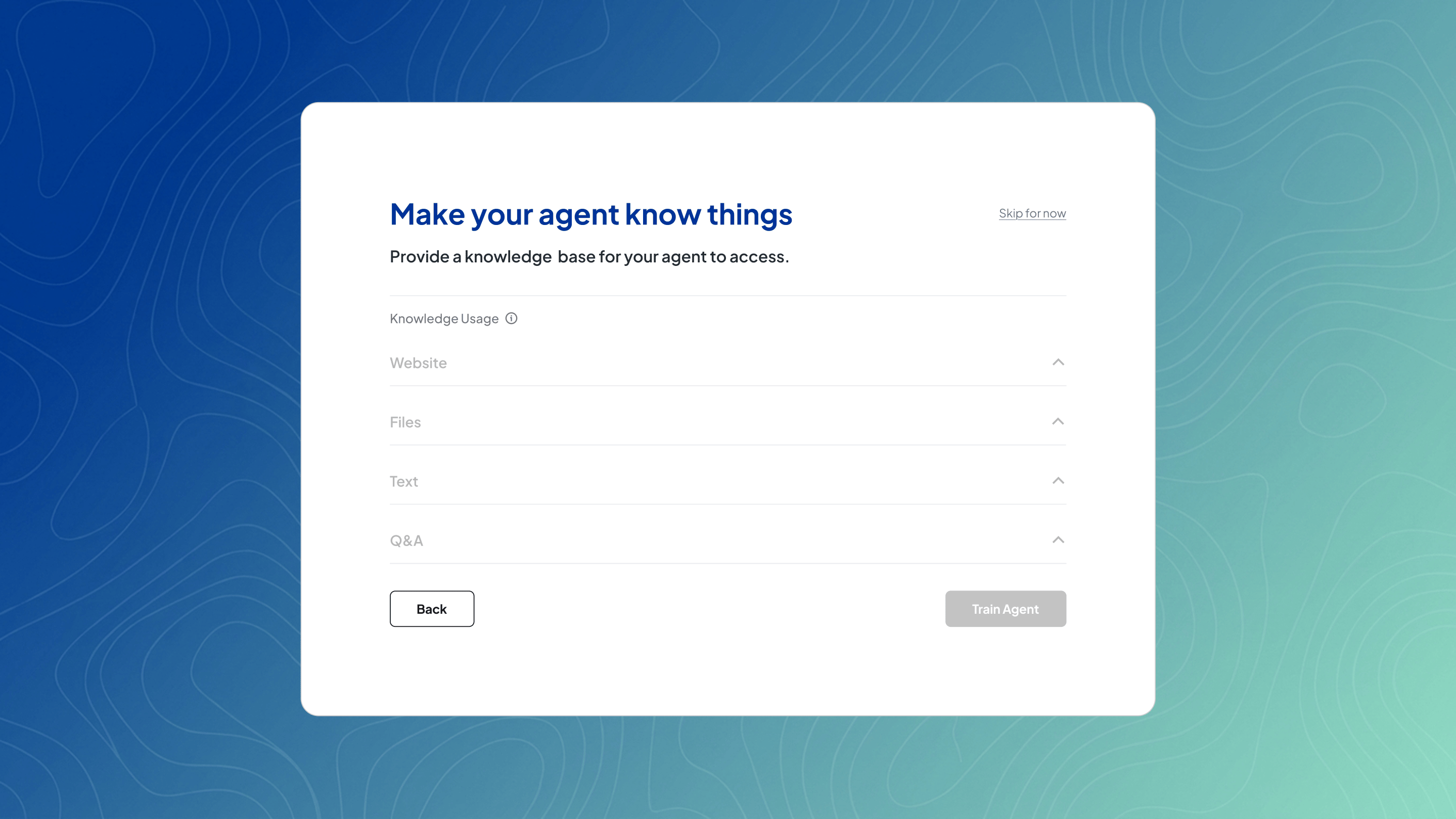
- Website content
- Files
- Text blocks
- Q&A pairs
Website
Website
Add a website by entering a URL and choosing how to ingest it—crawl links, use a sitemap, or a single page. You can optionally refine this with include or exclude paths, then click Add.
Files
Files
Upload files by dragging and dropping them into the upload area. Supported formats include PDF, DOC/DOCX, and TXT. PDFs must contain selectable text to be processed.
Text
Text
Add a text block by providing a title and the corresponding body text.
Q&A
Q&A
Add a Q&A by entering a question and its answer, then save it.