

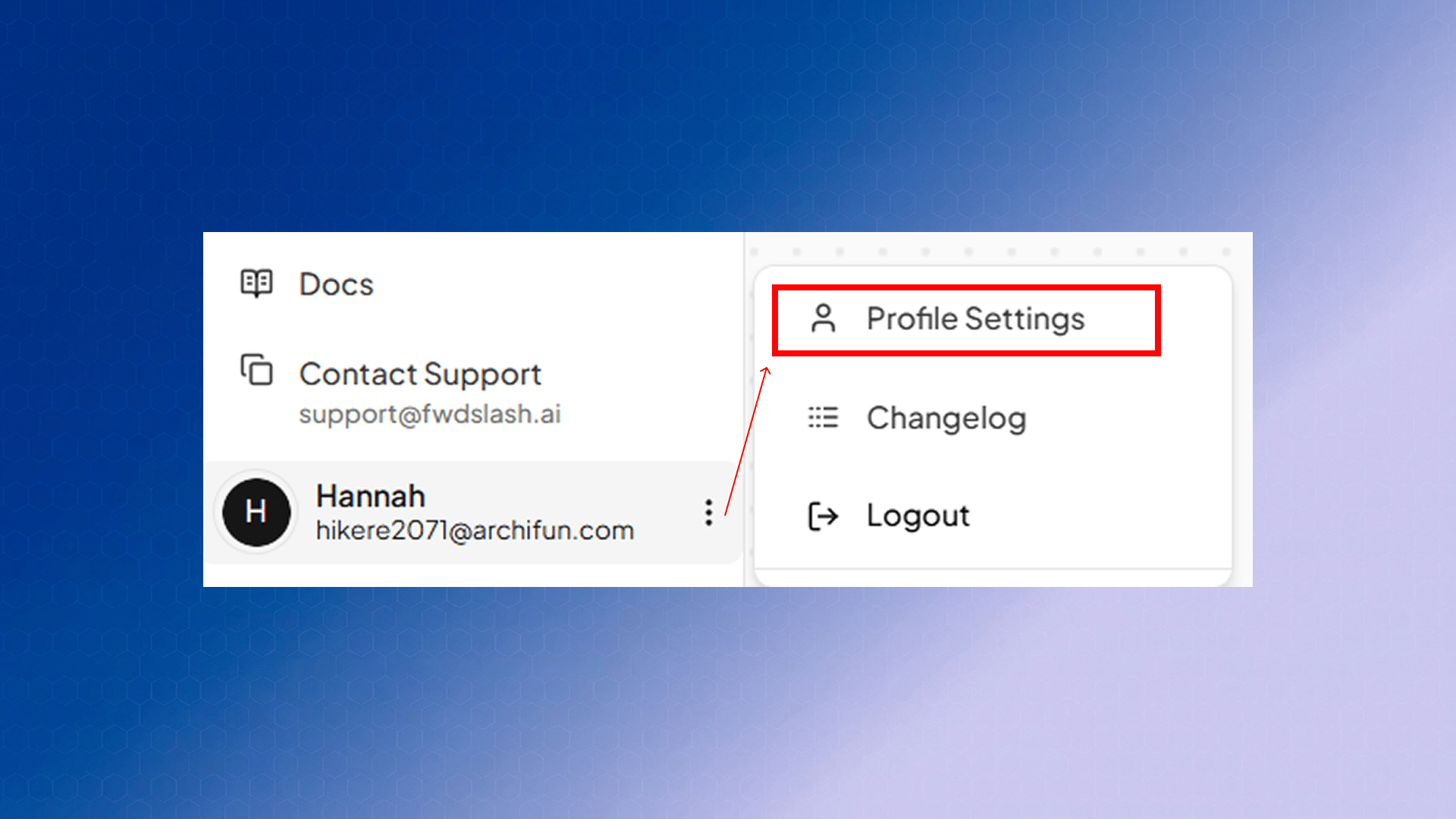
/account/profile under Account Settings, and the back arrow in the top-left returns you to your dashboard.
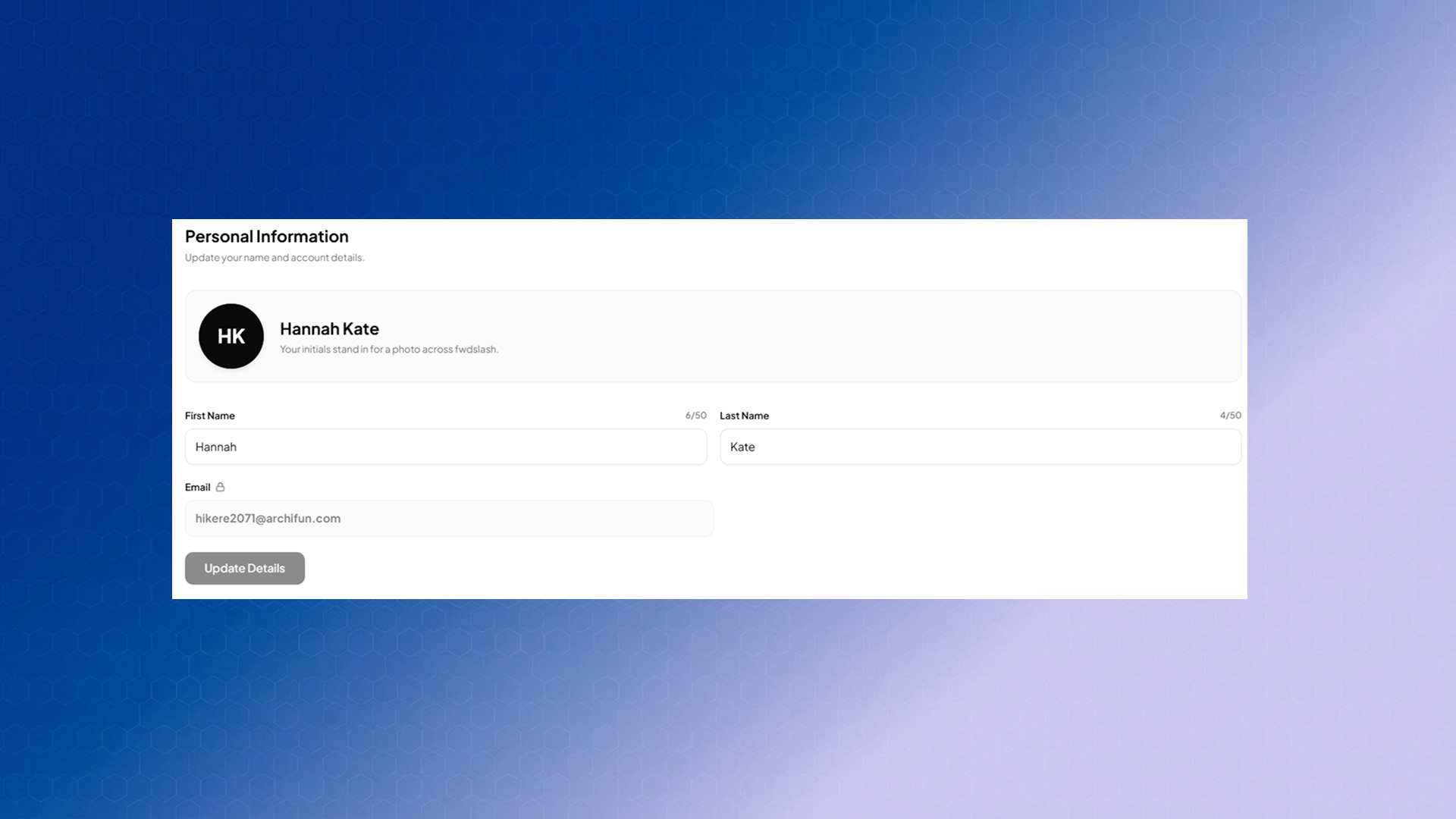
Personal Information
Password & Security
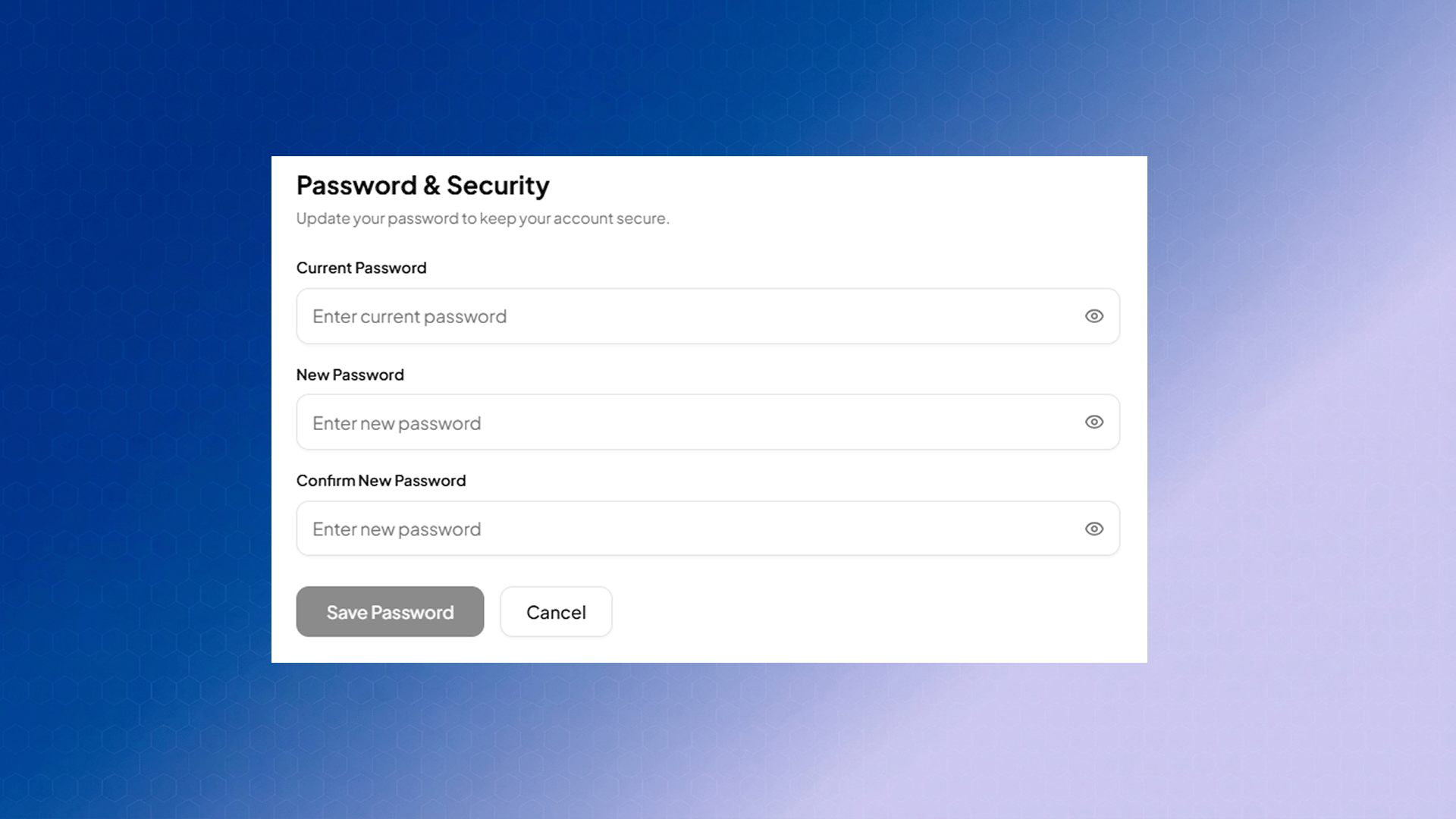
- be at least 8 characters long with atleast 1 letter, and
- include at least one uppercase letter, one lowercase letter,
- have one special character, and
- not contain any whitespace characters (such as spaces, tabs, or line breaks).
NOTE: Your email address cannot be edited from this page, and the avatar is always derived from your initials. If you need either changed, reach out to support@fwdslash.ai.