> ## Documentation Index
> Fetch the complete documentation index at: https://docs.fwdslash.ai/llms.txt
> Use this file to discover all available pages before exploring further.
# Knowledge
This is the dedicated page to manage your agent’s knowledge sources. Based on the agent's performance in Chatground, you can choose to add or modify sources and retrain the agent. You can also view a breakdown of how much memory each source type is using.
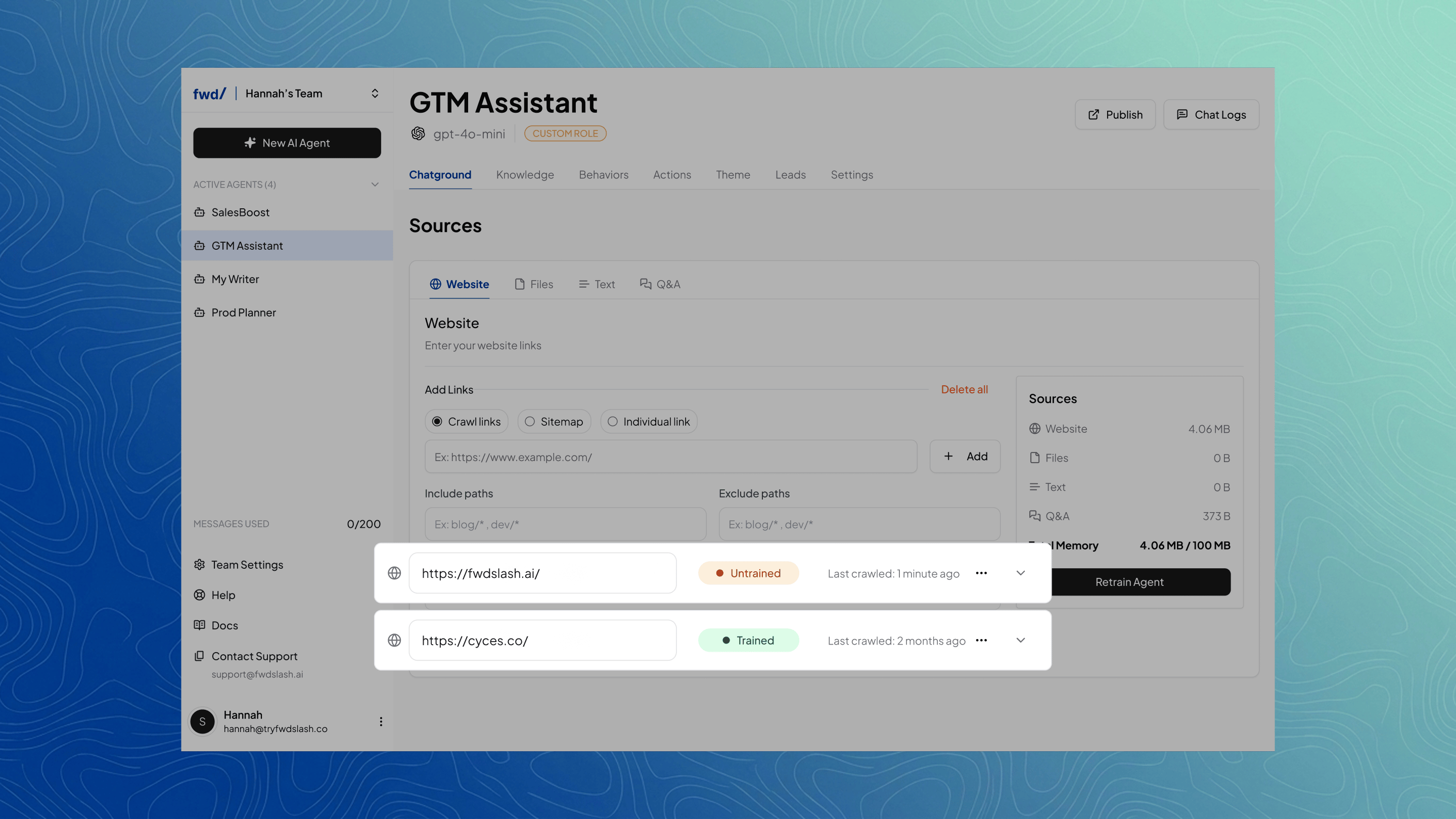
Add and manage website sources by entering URLs, choosing how they’re ingested, and updating or re-crawling them as needed.
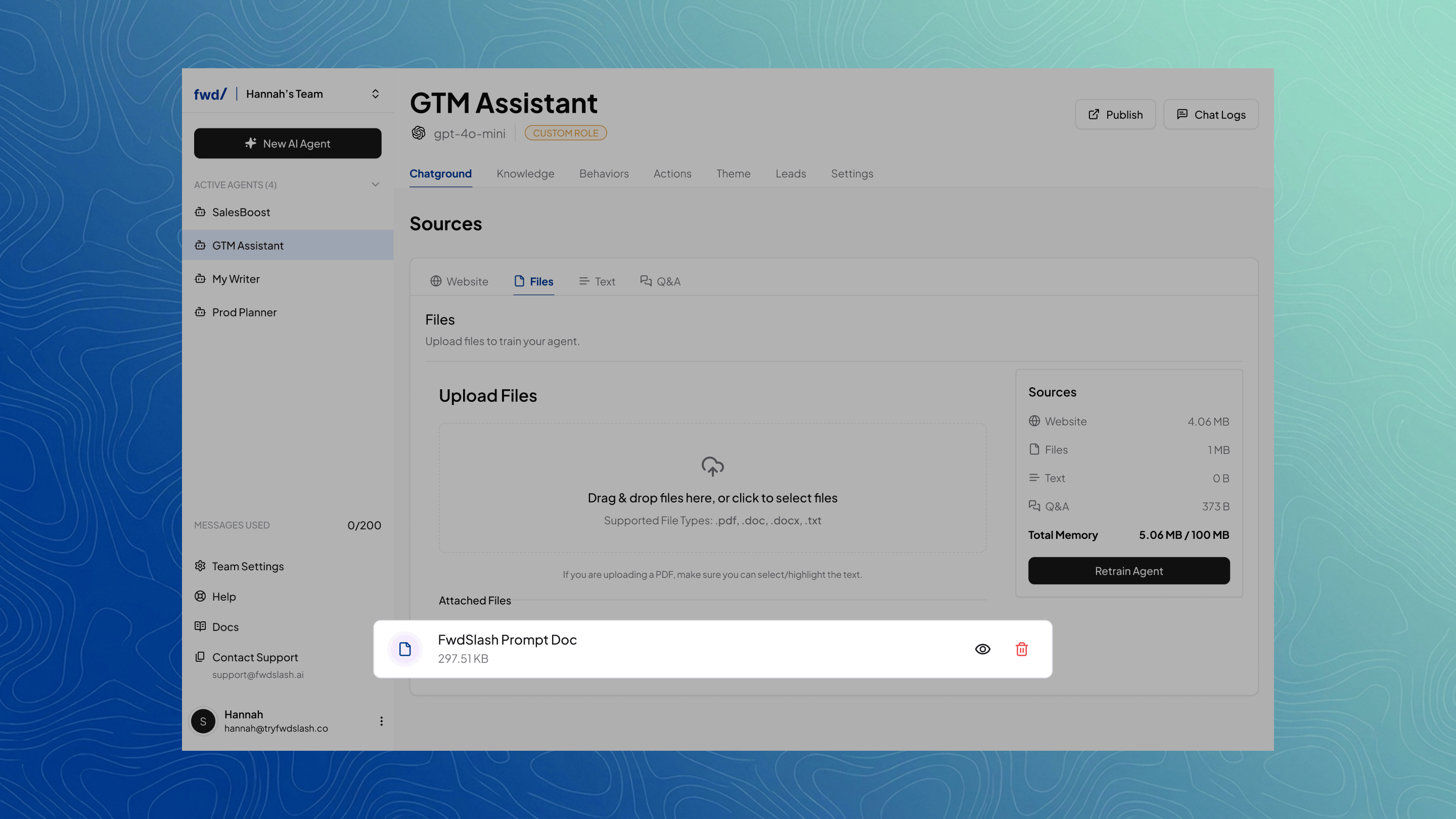
 Upload and manage files for your agent to reference. Supported formats include PDF, DOC/DOCX, and TXT.
 Add and edit text blocks with custom content for specific context.
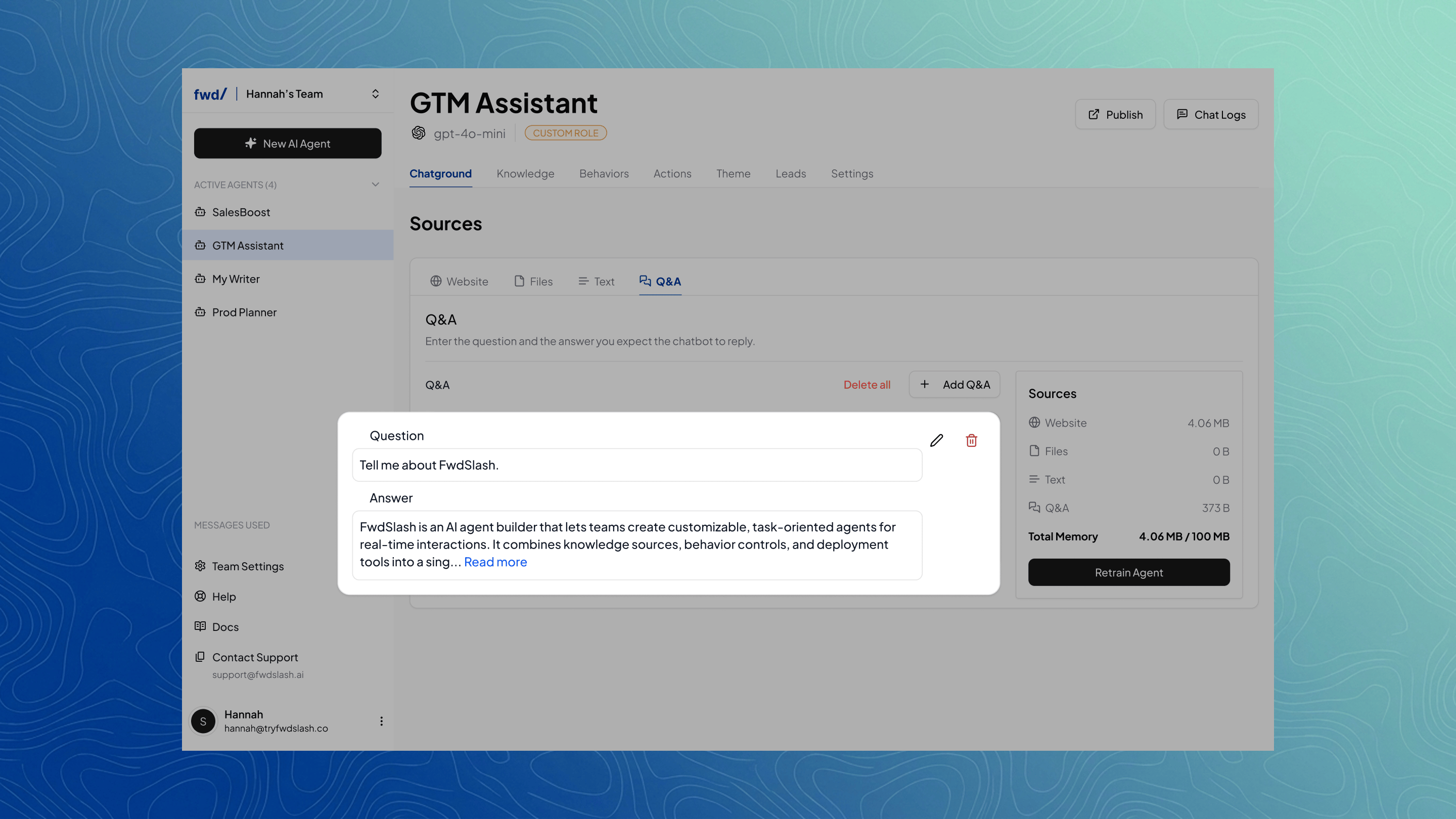
Create and manage Q\&A pairs to guide how your agent answers common queries.
Add and edit text blocks with custom content for specific context.
Create and manage Q\&A pairs to guide how your agent answers common queries.
 ## Source Breakdown
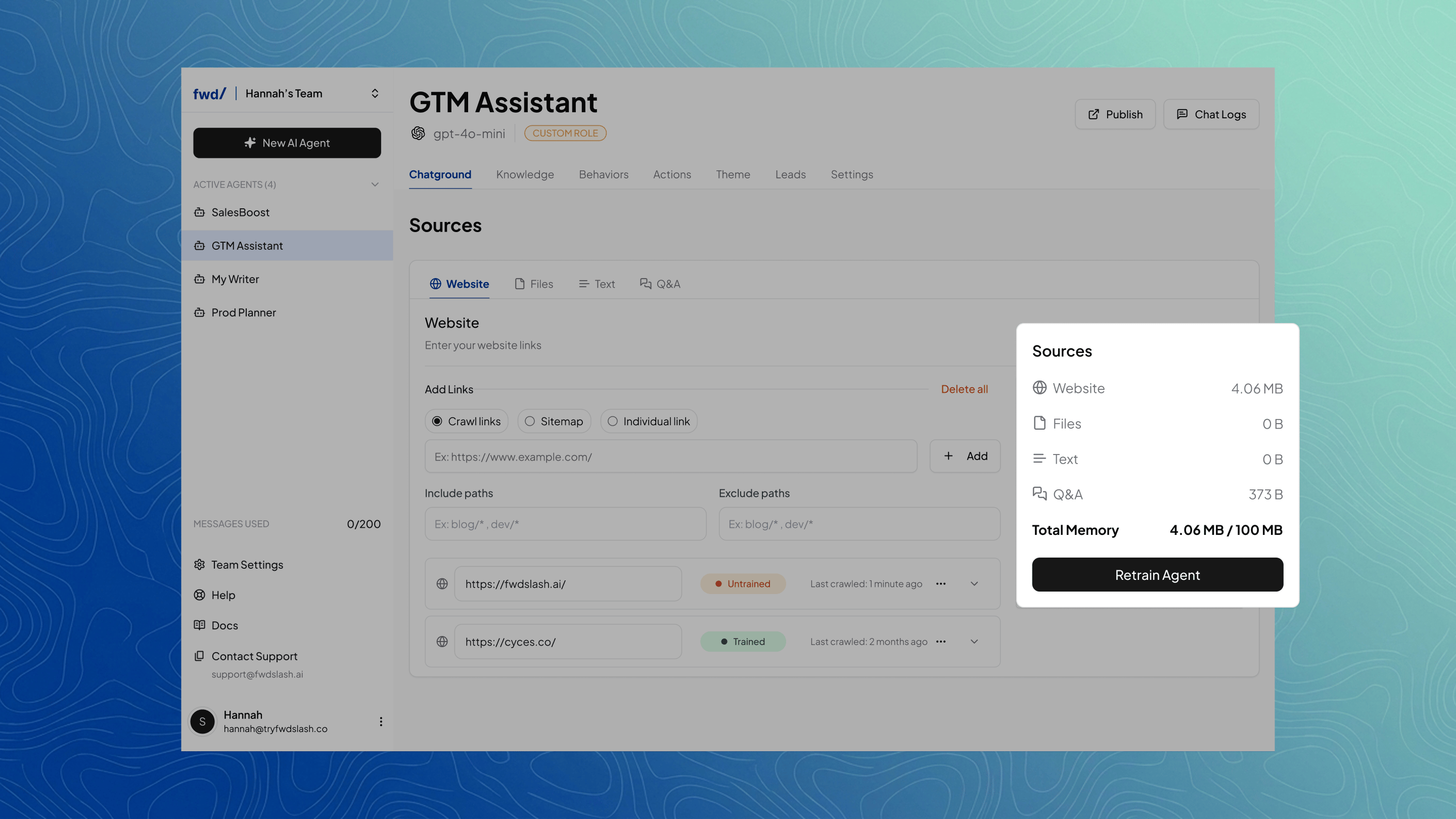 View a breakdown of how your knowledge is distributed across sources like websites, files, text, and Q\&A, along with the total memory used.
### Retrain Agent
After making any changes to your knowledge sources, you must retrain the agent by clicking **Retrain Agent** for those updates to take effect.
***
Now that your knowledge is set up, you can define how your agent behaves in the **Behaviors** page.
View a breakdown of how your knowledge is distributed across sources like websites, files, text, and Q\&A, along with the total memory used.
### Retrain Agent
After making any changes to your knowledge sources, you must retrain the agent by clicking **Retrain Agent** for those updates to take effect.
***
Now that your knowledge is set up, you can define how your agent behaves in the **Behaviors** page.