> ## Documentation Index
> Fetch the complete documentation index at: https://docs.fwdslash.ai/llms.txt
> Use this file to discover all available pages before exploring further.
# Chat Logs
Chat Logs is a record of all conversations handled by your agent, including those from Chatground and deployed environments. Use Chat Logs to review interactions, debug responses, understand user behavior, and access lead data within conversations.
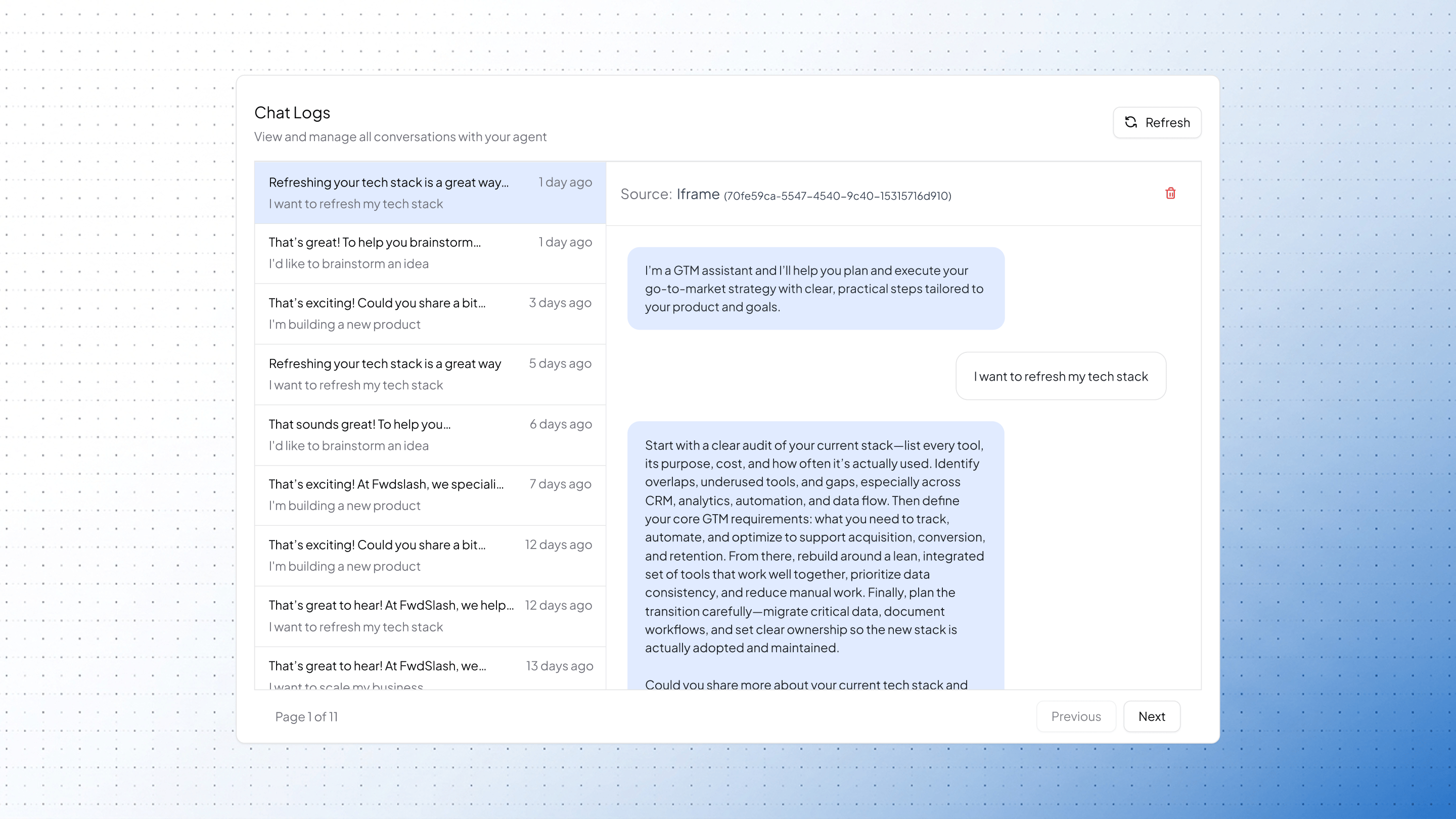 All conversations are displayed as a list of chat threads. You can scroll through them or navigate using pagination. Click on any chat to open the full conversation and review the message history.
If a lead form was submitted, a **Show Lead Form** option appears. This lets you view the collected details within the context of that conversation.
All conversations are displayed as a list of chat threads. You can scroll through them or navigate using pagination. Click on any chat to open the full conversation and review the message history.
If a lead form was submitted, a **Show Lead Form** option appears. This lets you view the collected details within the context of that conversation.