> ## Documentation Index
> Fetch the complete documentation index at: https://docs.fwdslash.ai/llms.txt
> Use this file to discover all available pages before exploring further.
# Agent Settings
Under the **Settings** tab in your agent, you can manage configuration, usage limits, and deletion controls specific to an individual agent.
## Configuration
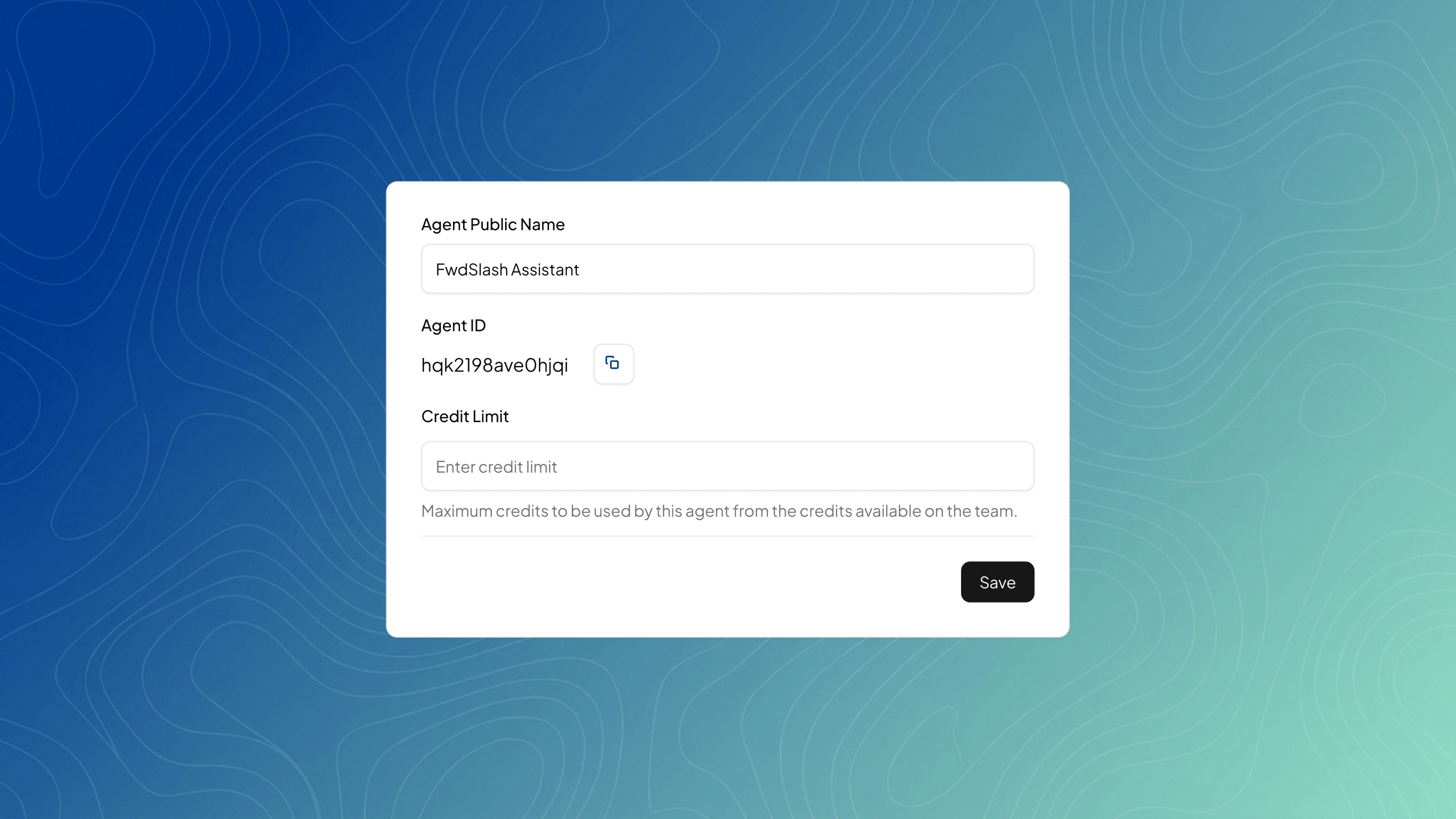
Update basic details like the agent’s public name and control its credit usage. Changes must be saved to take effect.
 ## Destructive Actions
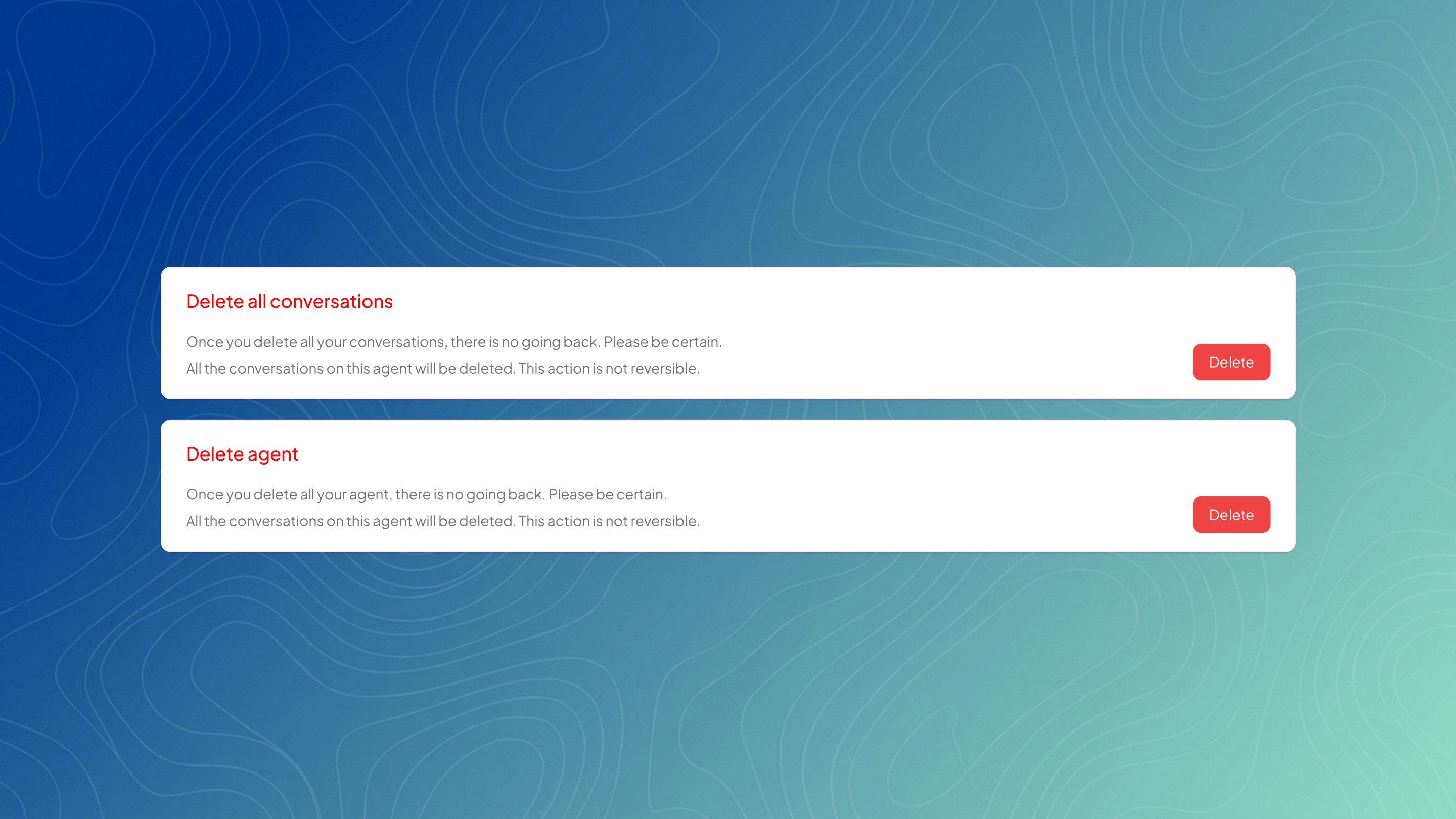
You can delete all conversations or permanently delete the agent. **These actions are irreversible and remove all associated data.**
## Destructive Actions
You can delete all conversations or permanently delete the agent. **These actions are irreversible and remove all associated data.**
 ***
Now that you’ve configured your agent, you can manage your overall plan, billing, and API access in **Team Settings**.
***
Now that you’ve configured your agent, you can manage your overall plan, billing, and API access in **Team Settings**.